
Restaurant Management Spreadsheets: Tools Built for Independent Operators
Running a profitable restaurant means having the right systems in place before problems show up. Every spreadsheet in this library was built by restaurant industry professionals who have been inside the operation, not outside looking in. From opening and closing checklists to food inventory, bar inventory, temperature logs, scheduling, and waste tracking, these tools give you the documentation and accountability that separates a well run restaurant from one that is held together by memory and habit.
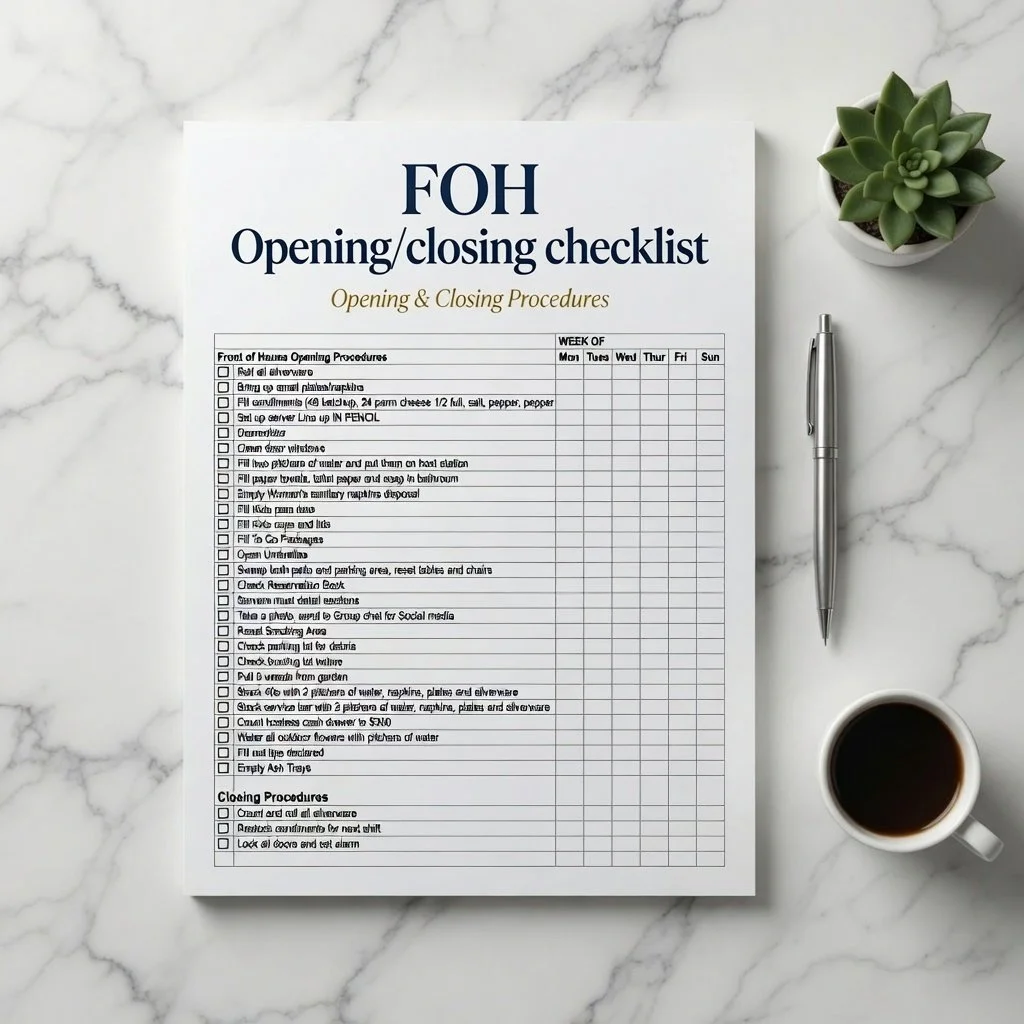
Server side work is the invisible infrastructure of a restaurant floor. When it is done right nobody notices. When it is skipped or done inconsistently, servers are running for lemons in the middle of service, tables are not properly set, and the guest experience suffers in a hundred small ways that add up to one big impression.
Our Server Checklist Spreadsheet covers opening side work responsibilities, section setup duties, and closing side work organized as a daily checklist for the floor team. Silverware rolling, condiment stocking, table maintenance, POS station checks, and closing assignments are all documented.
What is included: an opening side work checklist covering all pre service responsibilities, a section setup checklist organized by area of the dining room, a closing duties checklist, a manager sign off field, and a notes column for shift observations.
Who this is for: restaurant managers who want consistent side work completion without constant supervision, operators dealing with servers who selectively complete duties, and new restaurant openings that need documented standards from day one.
Download immediately after purchase. Compatible with Google Sheets and Microsoft Excel.
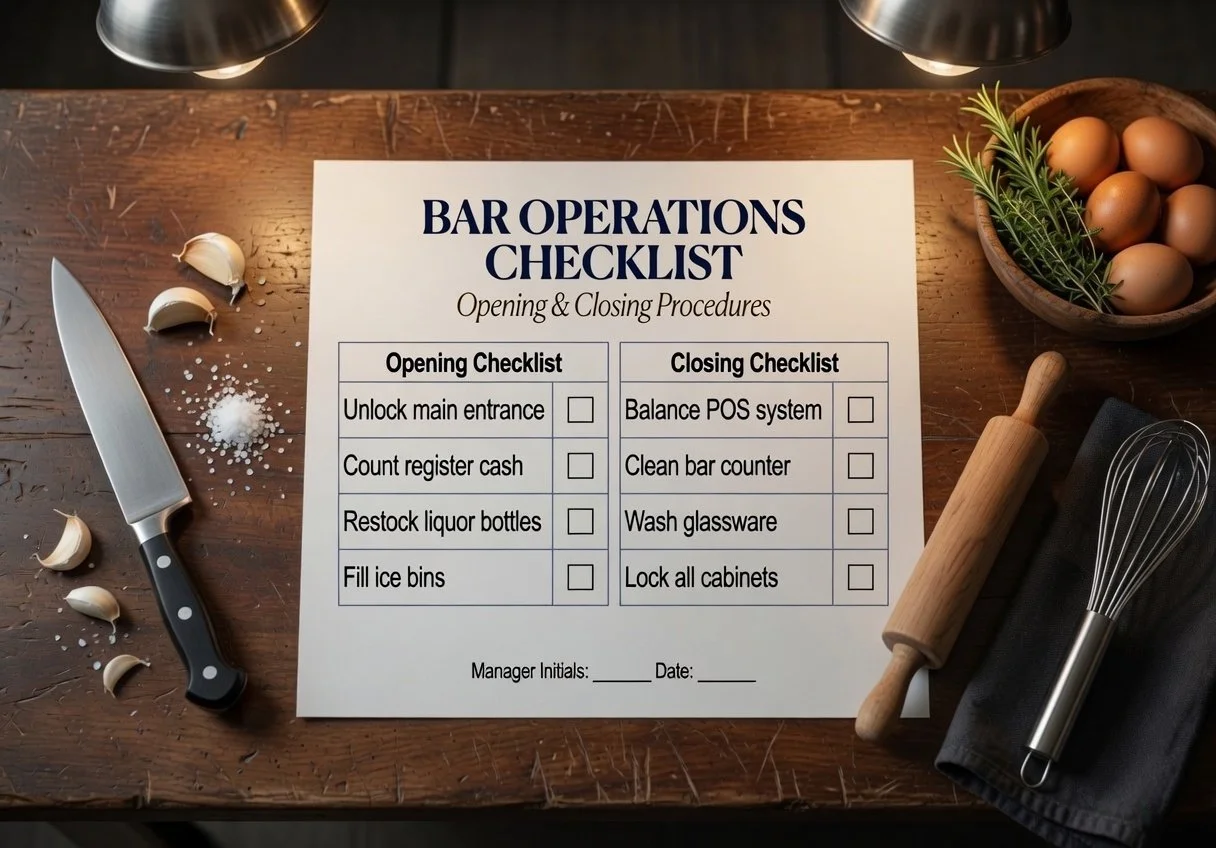
A bartender working without a checklist is making decisions about what to prioritize based on what they feel like doing, not what the operation actually needs. A bartender working with a checklist is executing a consistent setup every shift so that when service starts, everything is in place.
Our Bartender Checklist Spreadsheet covers opening setup duties, mid shift side work, and closing breakdown organized as a daily checklist. Bar cleanliness, glassware, garnish prep, liquor levels, POS setup, closing duties, and end of shift reporting are all covered.
What is included: an opening checklist covering all bar setup responsibilities, a side work list for mid shift maintenance tasks, a closing checklist covering breakdown and cleanup, a notes column for shift specific observations, and a digital sign off field.
Who this is for: bar managers holding bartenders accountable to a standard, restaurant owners who want consistent bar setup without micromanaging every shift, and new bartenders learning what a professional bar operation looks like.
Download immediately after purchase. Compatible with Google Sheets and Microsoft Excel.
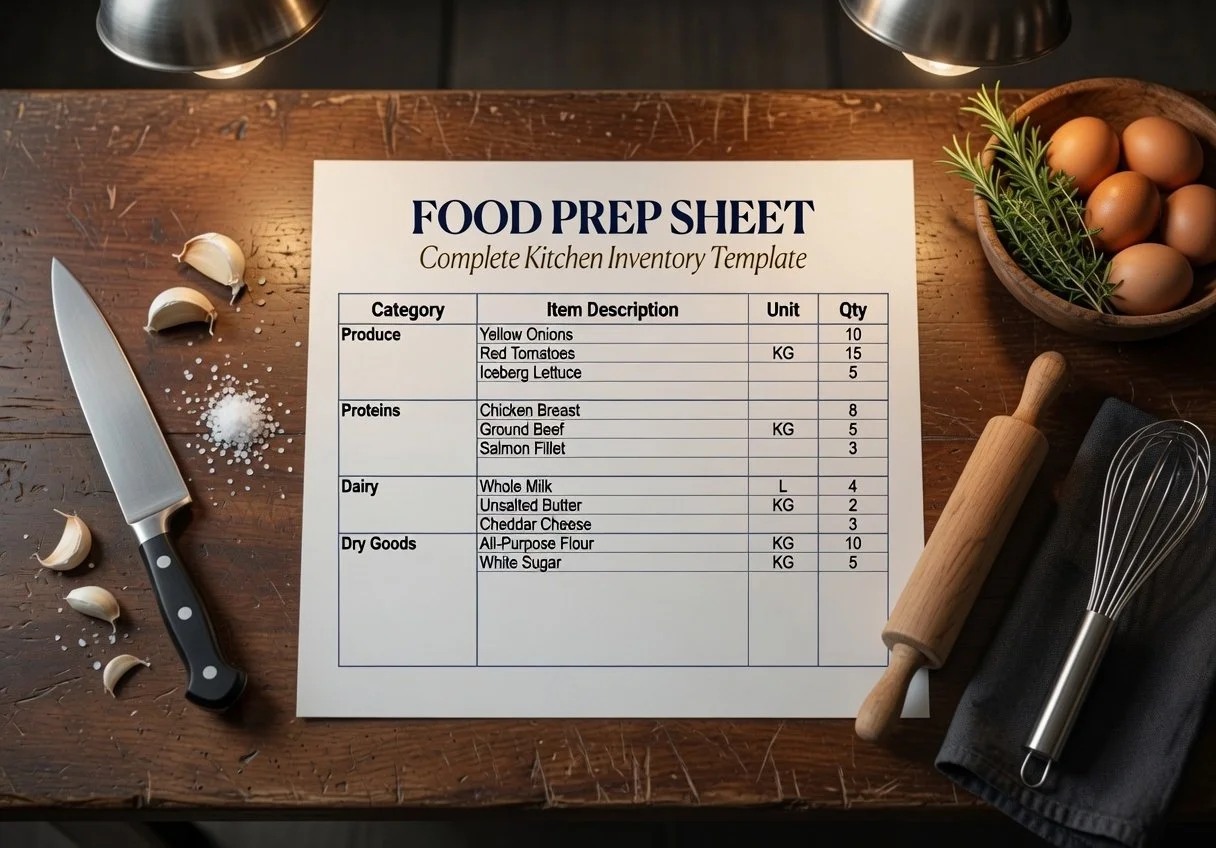
A kitchen without a prep list is a kitchen that runs on chaos. When prep quantities are guessed instead of calculated, you run out of things during service or you prep way too much and throw it away at the end of the night. Either way costs you money. A proper prep list is how a professional kitchen runs at the right cost.
Our Restaurant Food Prep Checklist Spreadsheet is a daily prep list template organized by kitchen station. Enter the items that need to be prepped for each station, the required quantities based on projected covers, and who is responsible. The checklist tracks completion so the chef or manager can see at a glance where prep stands before service.
What is included: a daily prep list template organized by station, quantity fields with suggested par calculations, a completion tracking column, a notes field for batch sizes and special instructions, and a weekly view so prep trends align with cover patterns.
Who this is for: chefs and kitchen managers who are tired of running out of things mid service, line cooks who need clear direction on what to prep and how much, and restaurant operators who want to reduce prep waste and over production.
Download immediately after purchase. Compatible with Google Sheets and Microsoft Excel.
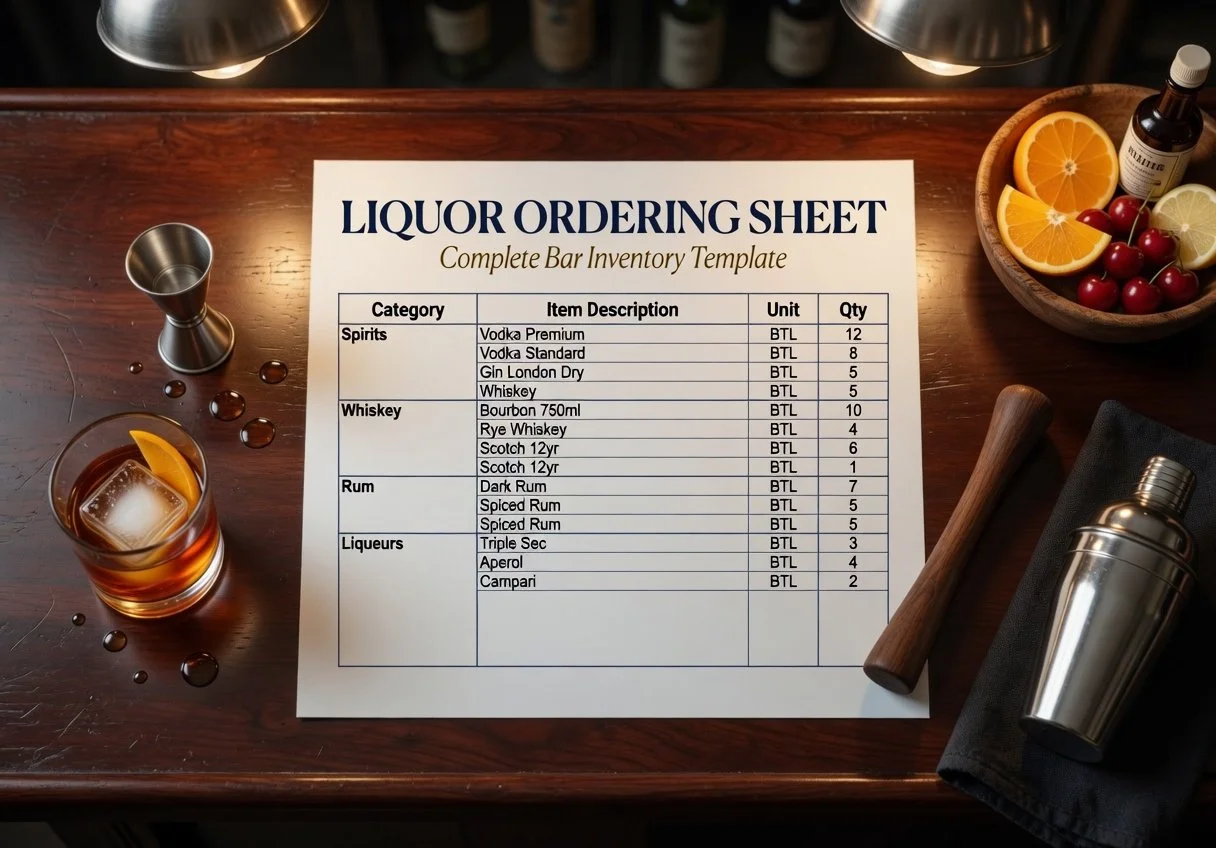
Bar inventory is where most restaurants lose money quietly. A bottle here, an over pour there, a comp that never gets rung in. Without a weekly counting process you have no visibility into what is actually happening behind the bar. You only find out when the pour cost percentage comes back wrong at the end of the month.
Our Restaurant Bar Inventory Spreadsheet covers liquor by category, beer by SKU, wine by bottle, and mixers and supplies. Enter your par quantities, your on hand counts, and your bottle costs. The spreadsheet calculates your usage, your theoretical pour cost, and your variance so you can see immediately if something is off.
What is included: a bar inventory count sheet organized by category, automatic pour cost calculation, a variance tracking column, a reorder alert tab based on par levels, and a weekly comparison view so trends are visible over time.
Who this is for: bar managers and restaurant owners who suspect their pour cost but have no system to prove it, operators inheriting a bar program with no documentation, and managers who want to hold their bar team accountable with data.
Download immediately after purchase. Compatible with Google Sheets and Microsoft Excel.
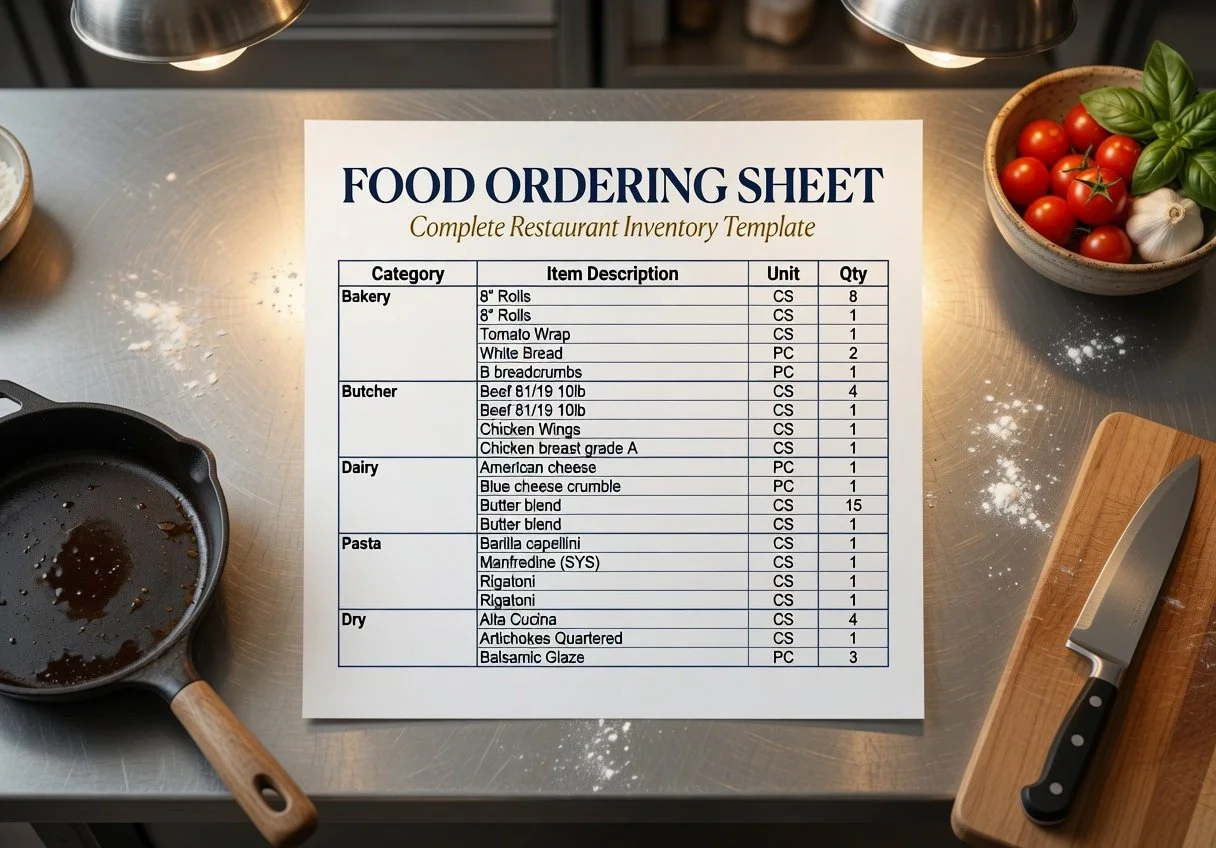
If you are not counting your inventory every week you do not know your actual food cost. You know your theoretical food cost. The difference between those two numbers is what is being wasted, stolen, or over portioned every shift without anyone catching it.
Our Restaurant Food Inventory Spreadsheet is organized by food category: proteins, dairy, produce, dry goods, frozen, and miscellaneous. Enter your on hand quantities at the start and end of each week, your unit costs, and the spreadsheet calculates your usage, your cost of goods, and your food cost percentage automatically.
What is included: an inventory count sheet organized by food category with space for par levels and unit costs, automatic usage and food cost calculations, a weekly tracking tab so you can see trends over time, and a variance column that flags when usage is higher than expected.
Who this is for: restaurant owners who have never had a real inventory system, managers inheriting an operation with no documentation, and operators who suspect their food cost numbers but cannot prove it without a counting process.
Download immediately after purchase. Compatible with Google Sheets and Microsoft Excel.
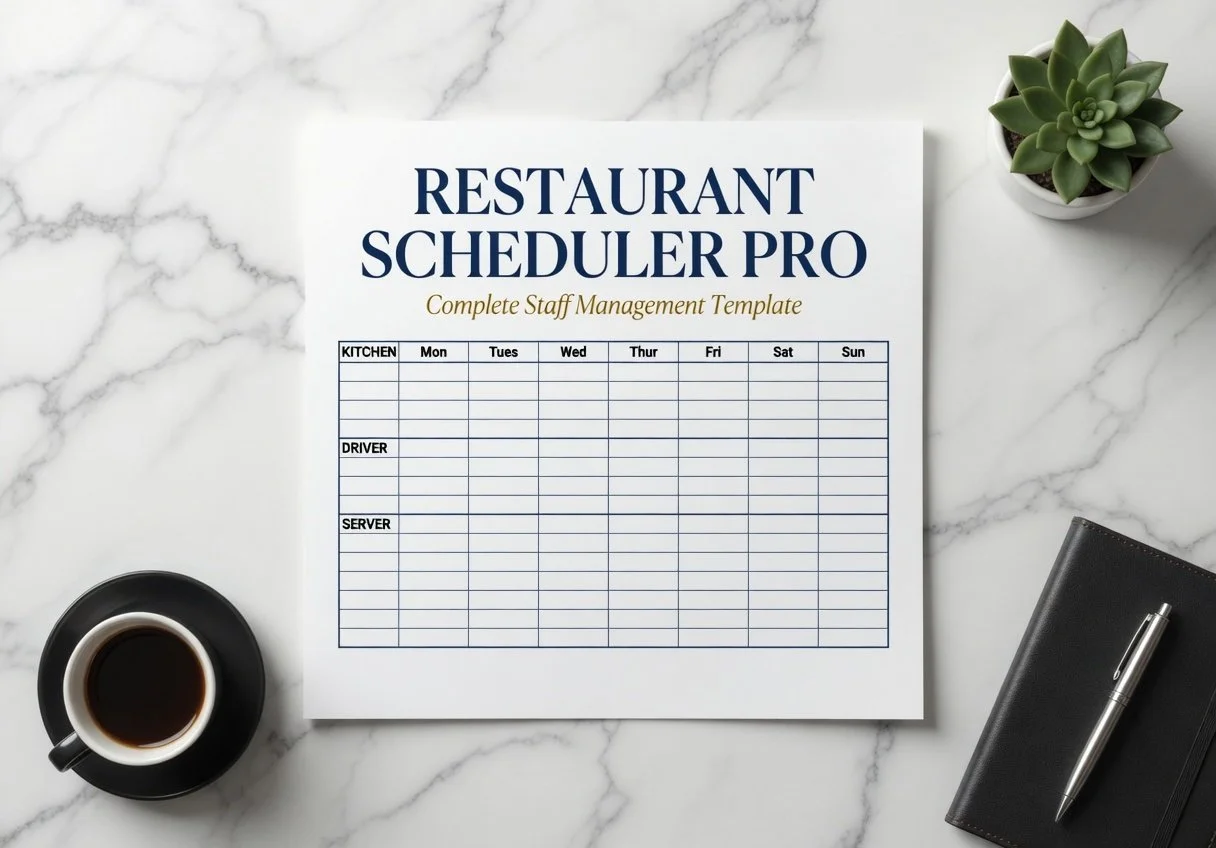
Labor is the largest controllable cost in a restaurant and most operators manage it by feel rather than by data. A proper scheduling spreadsheet changes that. When you can see your projected labor cost before you post the schedule, before you commit to those hours, you make different decisions.
Our Restaurant Employee Schedule Spreadsheet is a weekly template that covers all front of house and back of house positions. Enter your staff names, their roles, their hourly rates, and their shifts. The spreadsheet calculates daily and weekly labor hours and total payroll cost so you can see exactly where you stand relative to your revenue targets before the week begins.
What is included: a weekly schedule grid covering seven days and all shifts, automatic labor hour and cost calculations, a position summary tab showing hours by role, and a simple format that can be printed and posted or shared digitally.
Who this is for: restaurant managers who are scheduling by memory or on paper, owners who do not know their labor cost until they see the payroll, and operators who need a faster and smarter scheduling process.
Download immediately after purchase. Compatible with Google Sheets and Microsoft Excel.
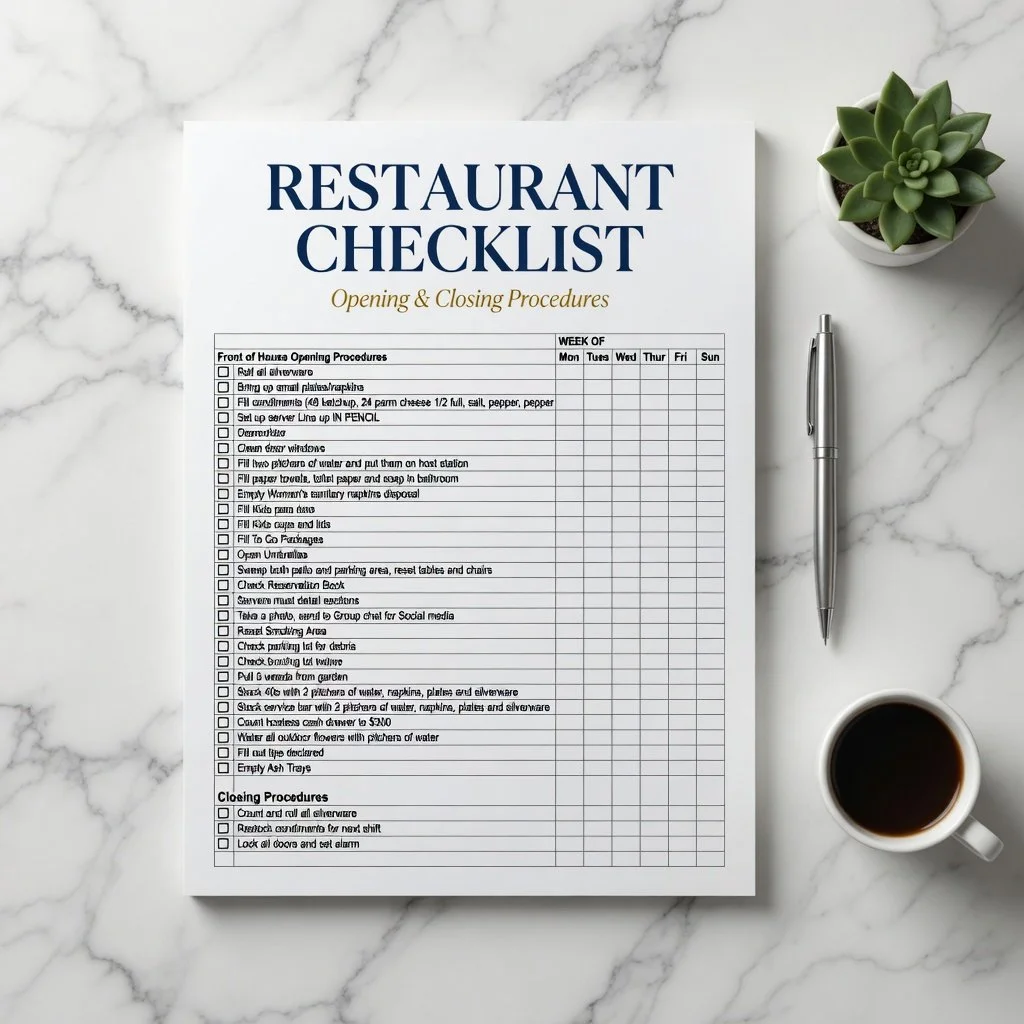
Every shift starts the same way in a well run restaurant: the opening checklist. Not a mental list, not a verbal rundown, a written checklist that every opener works through in the same order every single time. This is how a consistent guest experience starts before the first customer walks in.
Our Restaurant Opening Checklist Spreadsheet covers every area of the operation that needs to be verified before service begins. Temperature checks, prep status, equipment function, front of house setup, POS readiness, and staff reporting. Built in Google Sheets format so you can edit it for your specific operation, assign it digitally, and track completion shift by shift.
What is included: a fully formatted opening checklist organized by area of the restaurant, a notes column for shift specific observations, and a digital sign off field so accountability is built into the process.
Who this is for: restaurant managers and owners who are tired of inconsistent openings, new managers building their first systems, and multi unit operators who need a standardized opening process across locations.
Download immediately after purchase. Compatible with Google Sheets and Microsoft Excel.
Every restaurant has a list of tasks that do not fit neatly into a standard template. A seasonal prep process, a catering event setup procedure, a vendor receiving checklist, a line check specific to your menu. This blank template gives you the structure to document any operational process in a consistent format.
Our Blank Restaurant Checklist Template Spreadsheet is a fully editable checklist framework that you customize for any operational need. The format includes a task list column, a frequency column, an assigned role column, a completion field, and a notes section. Same clean format as every other checklist in the 5 Loaves library, fully editable for your specific operation.
What is included: a blank checklist template with all formatting in place, instructions for customizing each column, a multi tab format so you can build multiple checklists in a single document, and examples showing how to format tasks clearly.
Who this is for: restaurant operators who need to document a process that does not fit a standard template, managers building custom checklists for unique operational needs, and owners who want all their checklists in a consistent format.
Download immediately after purchase. Compatible with Google Sheets and Microsoft Excel